HomeWhy Dime-OrderHow it WorksDownload App
Mobile-first restaurant management platform

Run your entire restaurant from your phone.

Dime Order gives restaurants, hotels, cafés and bars a complete digital operations system, QR ordering, live order management, staff control, and revenue analytics. All in one mobile app.

Dime Order app
Made for
RestaurantsHotelsCoffee ShopsBars & LoungesFood TrucksEvent VenuesBeach ClubsRestaurantsHotelsCoffee ShopsBars & LoungesFood TrucksEvent VenuesBeach Clubs
One system, two experiences

Built for the business.
Loved by the customer.

Dime Order serves two audiences at once, your team runs the full operation from the mobile app, while your customers enjoy a seamless, no-friction ordering experience.

For your business

Manage everything
from one mobile app

Download the app, register your business, and you're live in under an hour. No website needed. No developer. Just your phone running your whole operation.

Build and manage your digital menu, update prices, photos, and availability instantly
Receive all orders in real time and track their status (new → preparing → ready → served)
Create credentials for your staff, one or many, so they can access the orders dashboard and manage operations alongside you
Generate QR codes for each table, room, or delivery zone in seconds
Track daily revenue, bestsellers, and peak hours from your dashboard
Works for dine-in and delivery simultaneously, one system, no juggling
For your customers

Scan, browse, order
no app download ever

Customers point their camera at the QR code on their table or delivery flyer. Your full menu opens instantly in their browser. They order, you get notified. That's it.

Scan the QR code, menu opens directly in their phone browser, no app download, no sign-up
Browse the full menu with photos, categories, and prices, then order in seconds
No waiting for a waiter, they order themselves during peak hours, and receive live status updates
Waiters can also use the same QR system to take orders digitally, eliminating handwriting errors and lost tickets
Delivery customers access the menu from a shared QR link on flyers, packaging, or social media
Their order arrives the moment they confirm, accurate, fast, zero miscommunication
Why Dime Order

The smarter way to run a food business

Traditional ordering is slow, error-prone, and impossible to scale. Dime Order replaces every part of that process with something faster, cleaner, and fully in your control.

Zero order mistakes

Orders go directly from the customer's screen to the staff, no handwriting, no verbal relay, no guessing. Every item is exactly what was requested.

Faster service, no waiting

During peak hours, customers order themselves the moment they sit down. No flagging down a waiter. No delays. Tables turn faster and customers leave happier.

Your menu is always online

Every QR code links directly to your live menu. No website needed. Change prices, mark items sold out, or add new dishes, and it reflects instantly for every customer.

Every staff member in sync

The owner sees everything. Each staff member you add gets their own login and accesses the same live orders dashboard: everyone working from one system, no confusion.

Dine-in and delivery unified

QR codes for tables handle dine-in. Shareable QR links handle delivery. Both flow into the same dashboard, no separate apps, no separate tablets.

Know your business inside out

Daily revenue, order history, top-selling dishes, busiest hours: all tracked automatically. Make decisions based on real data, not gut feeling.

Live in under an hour

Download the app, create your account, build your menu, and print your first QR code. No IT team, no developer, no website. Your business is digital today.

Scales with your business

One location or ten, add tables, staff, and menu items as your business grows. You stay in control from the owner dashboard, with a clear view of everything happening across your operation.

How it works

See it in action

A visual walkthrough of the system from first download to live orders, and from QR scan to food on the table.

Download the app & create your account
Step 01

Download the app & create your account

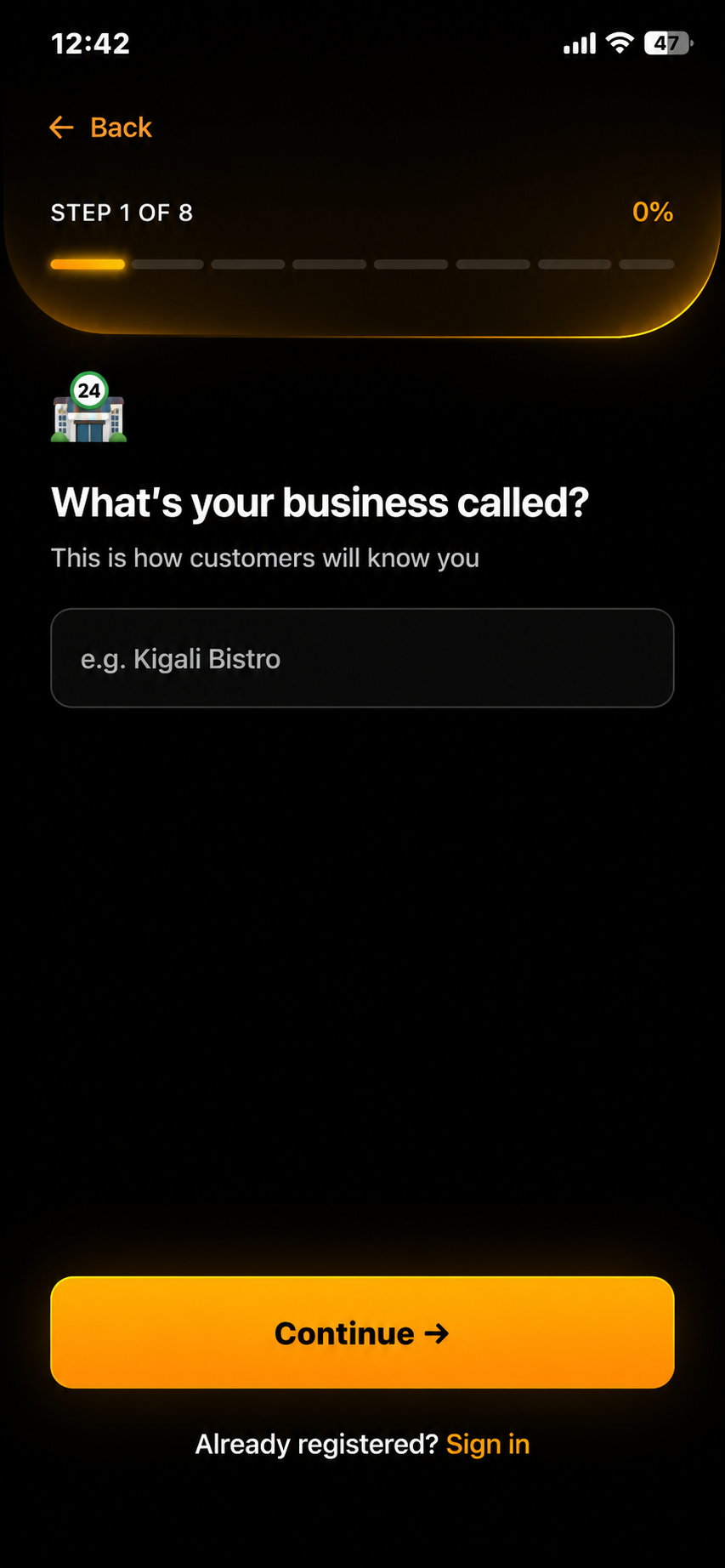
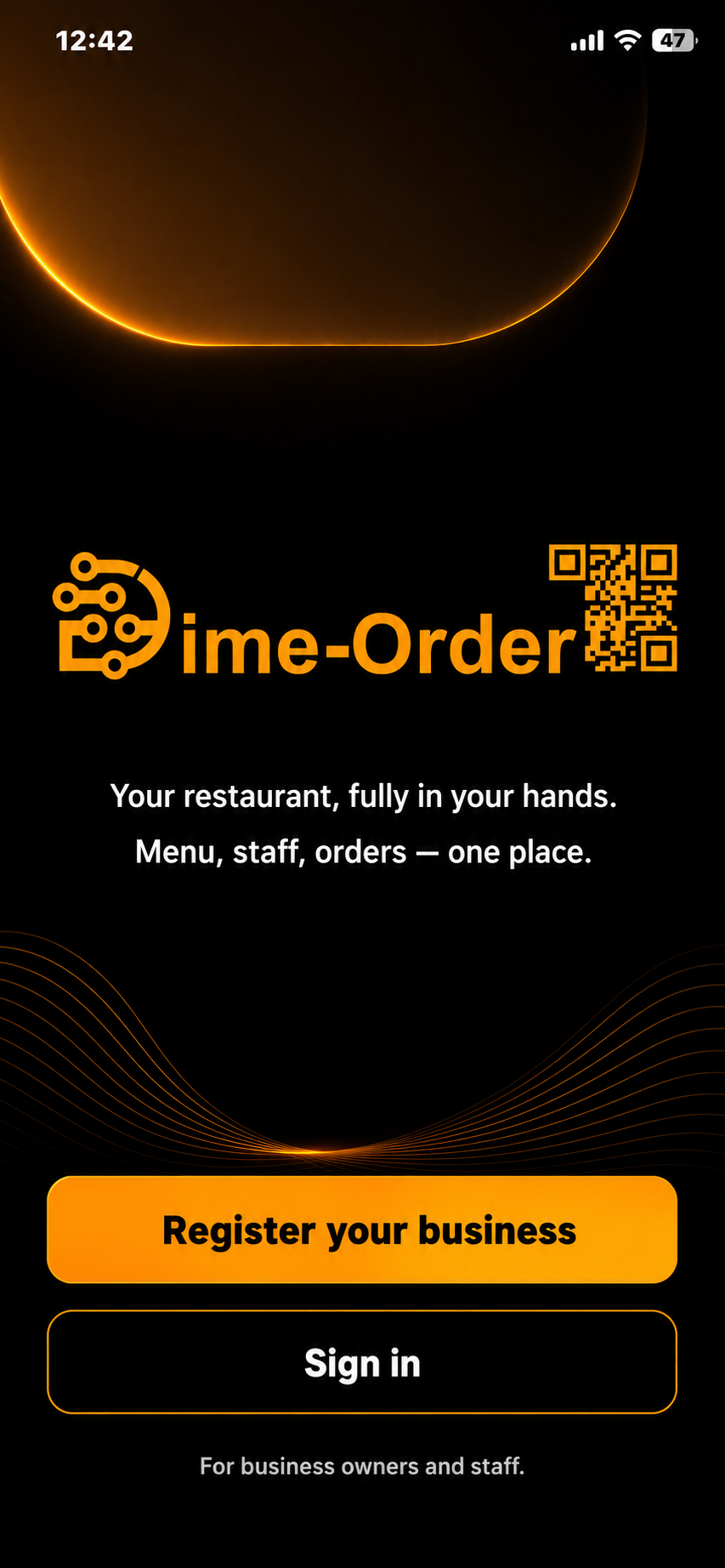
Get Dime Order from the App Store or Google Play. Since it's your first time, click "Register your Business" to set up your business profile first.

Follow all steps to complete your business profile
Step 02

Follow all steps to complete your business profile

Add your business name, type, logo, working hours & day, and location. Your branded digital profile is created instantly, this becomes the face of your operation inside the app.

Build your digital menu
Step 03

Build your digital menu

Add your dishes and drinks with names, prices, photos, and categories. Toggle items available or sold-out at any time. Every change goes live instantly.

Add your staff
Step 04

Add your staff

Create login credentials for your staff, as many as you need. Each member gets access to the orders dashboard and can manage operations alongside you.

Generate & print QR codes
Step 05

Generate & print QR codes

Create unique QR codes for each table, hotel room, counter, or delivery zone. Print and place them where customers can scan and land on your menu immediately.

Receive orders live & track everything
Step 06

Receive orders live & track everything

Orders appear on your dashboard the moment a customer confirms. Watch status update in real time, track daily revenue, and monitor your business from anywhere.

Available now

Your restaurant,
fully digital today.

Download Dime Order, register your business, and start receiving digital orders in under an hour. Free to get started.

Questions? Contact us at support@dimeorder.com

Get in touch

Questions? We're listening.

Send us a message and our team will get back to you shortly.